Plenty of website builders promise you'll be online by the weekend. Squarespace is one of the few where the result doesn't look rushed. That is why it keeps coming up whenever a photographer, a restaurant or a one-person consultancy asks where to build. It's also why so many of those same owners, a couple of years in, start asking how to get out.
Both things are true, and that tension is what this review is about. Squarespace is a polished, all-in-one platform that handles hosting, security, domains and a surprising amount of business tooling from a single dashboard. It is also a walled garden, and the walls get more expensive the further in you go. Our editorial rating lands at 3.0 out of 5: good at what it's built for, frustrating when you ask for more.
The scorecard
Here's how Squarespace rates across the areas that matter most when choosing a builder in 2026.
| Category | Score |
|---|---|
| Template quality | 4.3/5 |
| Domains and hosting | 4.0/5 |
| Ease of use | 3.9/5 |
| Mobile app | 3.7/5 |
| Pricing value | 2.8/5 |
| Advanced customisation | 2.7/5 |
| Site portability | 2.4/5 |
| Overall | 3.0/5 |
Notice the shape. Everything to do with first impressions scores well. Everything to do with the long run scores poorly.
Why the templates still win people over
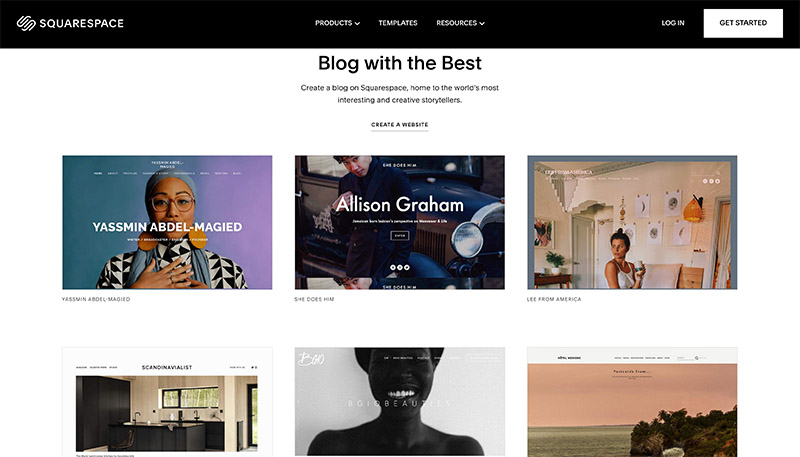
Design is Squarespace's calling card, and it earns it. The templates are clean, image-led and responsive, and version 7.1 runs on a shared design system. In plain terms: you aren't trapped by the demo you picked. Fonts, colours, spacing, layouts and sections can all change later without starting over. Fluid Engine adds more freedom to place content within a section while keeping things mobile-friendly, and the Blueprint AI Builder can rough out a starting design from your goals and style preferences.
The smart way to choose a template is by structure, not by the business in the preview. A layout shown for a florist might suit a property company perfectly once the content changes.
That content is where most Squarespace sites succeed or fail. Swap beautiful demo photography for dim phone snaps and the design collapses into something ordinary. Lean too hard on default sections and stock images and your site starts to resemble thousands of others. The templates give you a head start, not a brand.
The real price is not the headline price
Squarespace sells four website plans: Basic, Core, Plus and Advanced. Annual billing is cheaper per month than monthly billing, and plans start at about $19 per month when paid annually, though the figure you see at checkout depends on your country, currency, taxes and any running promotion.
| Plan | Suits | What changes |
|---|---|---|
| Basic | Personal sites, portfolios, blogs, small shops | Two contributors, a platform commerce fee, fewer premium features |
| Core | Growing sites and small teams | Unlimited contributors, custom code, more integrations, no platform commerce fee |
| Plus | Businesses selling more, including digital products | Lower payment and digital product fees |
| Advanced | Higher-volume and digital-first businesses | Lowest eligible platform fees, more storage |
Every plan can sell products, memberships, courses and services. What shifts is how much Squarespace takes. Basic carries a transaction fee on commerce; the three higher tiers drop it. Payment processing is charged separately on all of them.
Then come the extras. Domain renewals after the first year, professional email, email campaigns, advanced scheduling and other add-ons can each arrive as their own subscription. None of this is hidden, exactly, but it's easy to miss if you judge the platform by its cheapest monthly number. Write down every feature you need before you pick a plan. That list is your real price.
Domains: convenient, with one trap
This is one of the platform's quiet strengths. You can register a new domain, transfer an eligible one in, or connect a domain that stays with another registrar. Every site also gets a built-in squarespace.com address until you add your own. DNS records, contact details and renewals live in one domains dashboard.
Eligible annual plans include one custom domain free for the first year. After that it renews at the normal rate, which varies by extension and whether the name counts as premium. The trap is billing: your website and your domain can sit in separate subscription areas, and a business that watches only one of them can let an important domain lapse. Keep the registration email current and put the renewal date in a calendar.
Signing in without locking yourself out
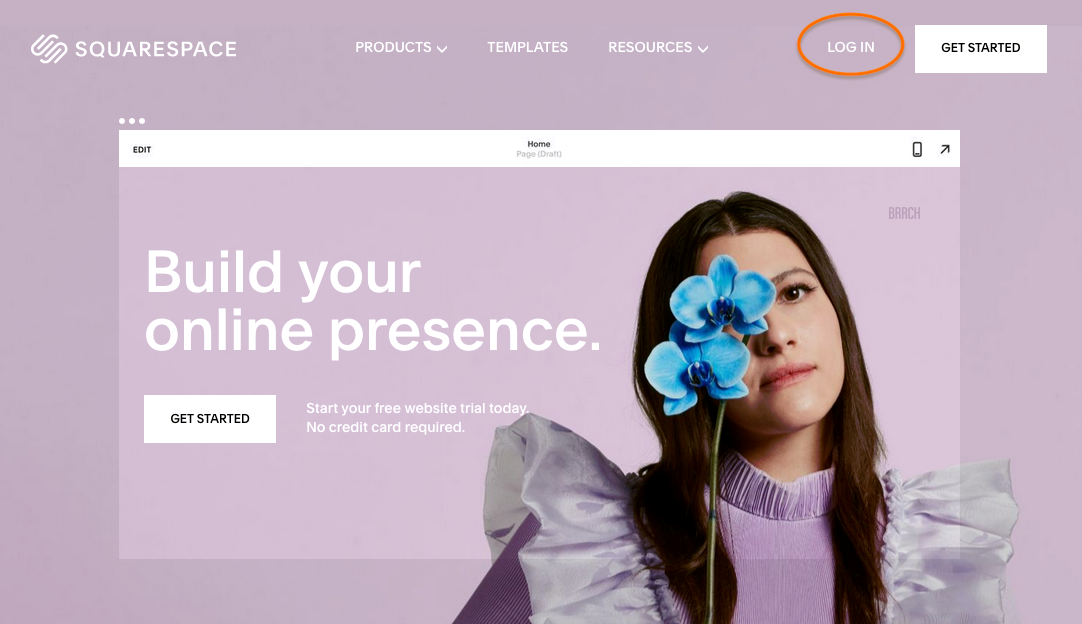
You can log in with an email and password or through Google, Apple or Facebook, with extra options on some higher-tier accounts. Most lockouts happen for a mundane reason: someone signed up through Google, later tries a password, and assumes the account vanished. Use the method you originally chose, reset the password if needed, and don't open a second account under a similar address. Any site that takes money should have two-factor authentication switched on.
The app is a remote, not a workshop
The official iOS and Android app is handy for small jobs: fixing a typo, posting to the blog, checking analytics, reviewing orders while away from your desk. Don't plan to build a site on it. Detailed layouts, custom code and complex product setups belong in a desktop browser, and the mobile editing view doesn't perfectly match what visitors see, so check important changes on more than one screen size.
Where the smooth edges run out
For a standard project, the experience is pleasant. The dashboard is tidy, controls behave consistently, and a beginner with prepared content can get something respectable live quickly. There's a 14-day trial with no credit card required, which is enough time to find out whether the platform suits you.
Step outside the intended workflow and things get stickier. Some settings hide in separate panels. Advanced styling often means code, and several custom code features need Core or higher. Large sites are awkward to organise because page management is simpler than a full content management system. Support comes through documentation, live chat and email, but most users don't get phone support, which can feel thin when a store or domain breaks at a bad moment.
And then there's leaving. Some content exports, but a complete design generally can't be carried elsewhere intact. Layouts, store settings and certain content types may need rebuilding. That 2.4 portability score is the single biggest reason for our overall rating.
If you're shopping around
- Wix for more drag-and-drop freedom and a bigger app marketplace.
- WordPress for ownership, plugins and hosting control, at the cost of more maintenance.
- Shopify when selling is the business rather than one part of it.
- Webflow for designers and agencies who want deeper visual control and accept a steeper learning curve.
- Framer for fast, modern landing pages.
- Hostinger Website Builder and similar tools when the budget is tight and the site is simple.
Picking a platform also means picking who looks after your site behind the scenes. If you have strong feelings about that, vote in our poll on the best web hosting companies.
So, should you use it?
Use the trial properly. Build your actual homepage, add the store or booking tools you'll need, check it on a phone, and total up a full year of costs including domain and email. If the result looks right and the number still makes sense, Squarespace will save you real time and hassle. If you already suspect you'll need custom features or may want to move platforms in two years, start somewhere with fewer walls.
Is Squarespace free?
No. There's no permanent free plan, only a 14-day trial that doesn't ask for a card. Publishing a public site requires a paid plan.
Is Squarespace better than WordPress?
It's easier to maintain, since hosting and updates are handled for you. WordPress offers more plugins, hosting choice and technical control, but expects more setup and upkeep.
Can I use a domain I bought elsewhere?
Yes. You can connect a third-party domain to your site or transfer an eligible one into Squarespace.