February feels a long way off in October, but this is when you have time to choose your tools calmly instead of panicking at 11pm on the 13th. Valentine Online is one of the older names in that last minute scramble. It promises digital cards, a card maker, a mobile app and gifts delivered to someone's door, all in one place. That's a tidy pitch. The trouble is that in 2026 it competes with Canva, Adobe Express, Paperless Post and Greetings Island, and next to them it looks its age.
Here is Icon Polls' assessment of what the platform actually offers, where it falls short, and who might still find it useful.
The platform at a glance
| Name | Valentine Online |
|---|---|
| Website | valentineonline.com |
| What it does | Valentine e cards, card maker, greetings and gift ordering |
| Launched | Around the mid 2010s (no exact date published) |
| Where it runs | Desktop and mobile browsers |
| Mobile app | Android and iOS, with reduced features |
| Free tier | Yes, limited templates and a watermark |
| Paid tier | Premium templates, gift delivery, no ads |
| Gifts | Virtual gifts plus physical items from partner vendors |
| Language | English |
| Icon Polls rating | 2.5 out of 5 |
An e card tool that kept adding rooms
Valentine Online started life as a simple way to send an e card. Over the years it bolted on a card editor, a gift section and an app. The basic flow hasn't changed: pick a template or start from a blank card, add your own words and photos, then send it by email or a shareable link. You can also download it as an image or PDF, which is handy if you'd rather print it.
Each new feature makes sense by itself. Put them together, though, and you get a platform that covers a lot of ground without doing any one job especially well.
Free, with a signature you didn't ask for
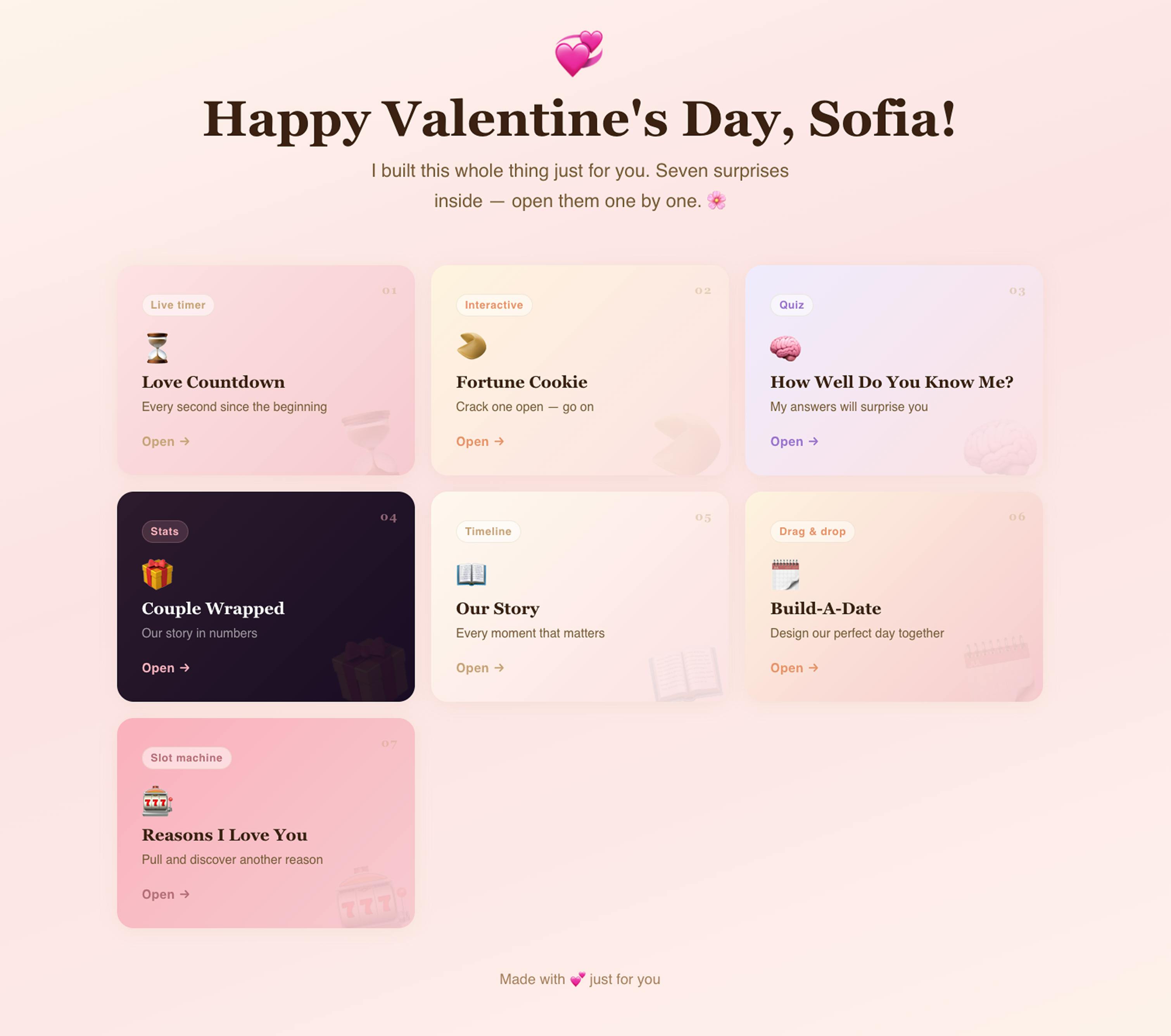
Yes, there's a free plan. It gives you a small set of templates, basic text editing and email delivery. There are three catches. The free templates look as if nobody has touched them in five or six years, with clip art graphics and stock fonts. Every free card carries a small Valentine Online watermark, which is an awkward thing to find at the bottom of a love note. And free users don't get the full card maker, so in practice you're swapping text on a ready made design.
If you need something in two minutes and don't care how it looks, it works. If you care at all, Canva and Greetings Island give away more for nothing.
A library split between two eras
The card categories are what you'd expect: romantic, funny, friends, family, plus some anniversary and proposal designs. There are plenty of them. The quality varies a lot. Some templates added in 2025 and 2026 are clean, with decent type and palettes that feel current. Much of the rest leans on red hearts and roses in one repeated style. If you want something minimalist or unusual, expect to scroll for a long time.
The editor is the best thing here, and that's the problem
The browser based drag and drop card maker is the most useful part of the platform. You can upload photos, add text, change backgrounds, resize elements and drop in stickers. For a casual card, it gets the job done.
It's also where the gap with modern design tools shows most clearly. Overlapping elements tend to turn messy because layering support is weak. Undo only goes back one step, which hurts when you slip up twenty minutes into a design. It isn't broken. It's just a few years behind tools many people already use for free.
Phone in your pocket, desktop on your desk
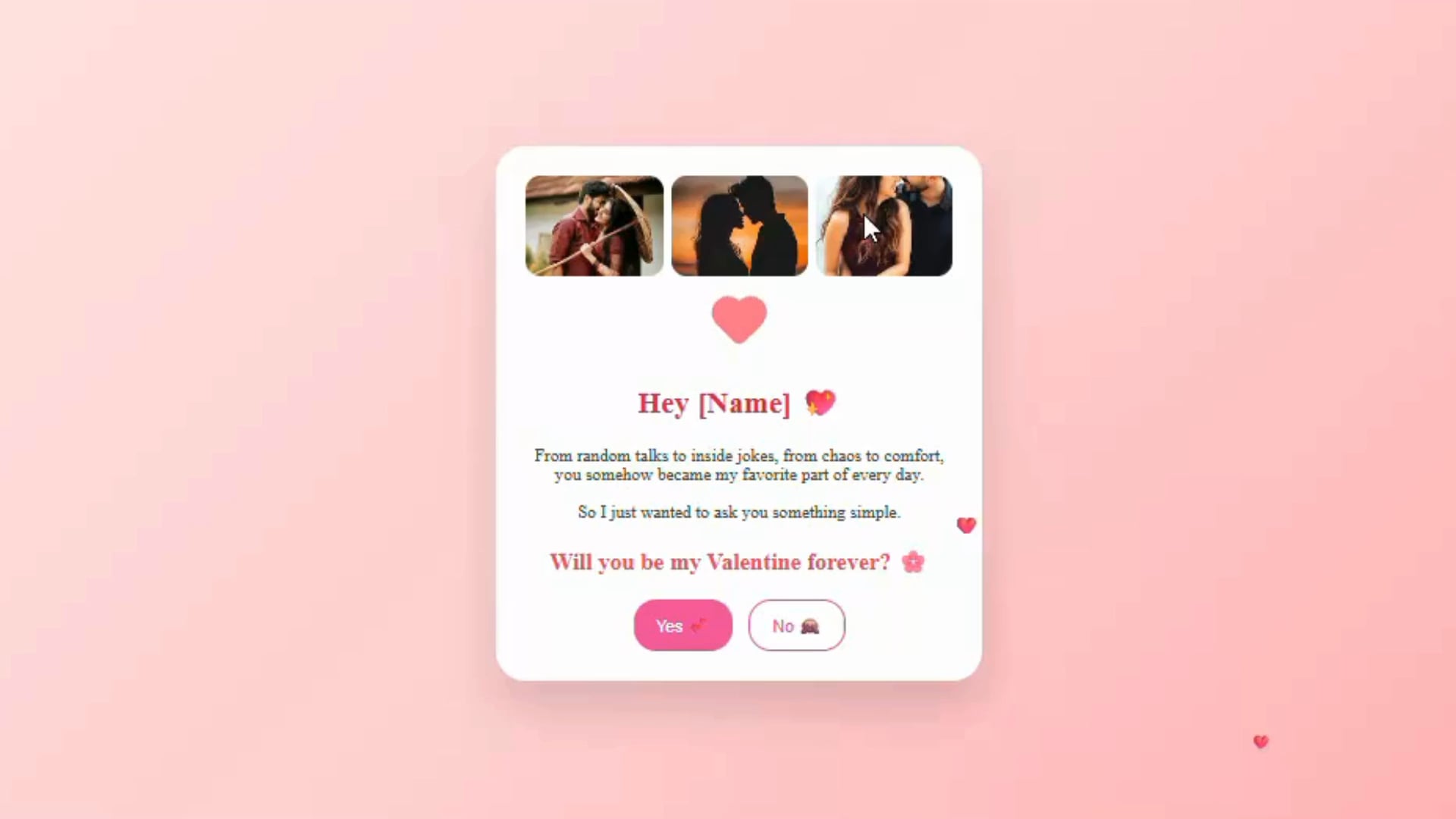
The Android and iOS apps let you browse, make light edits and send cards. The mobile editor is noticeably weaker than the desktop version. Drag and drop is fiddly, text alignment is unreliable, and large templates load slowly. There's no notification to tell you a card has been opened, which Paperless Post handles well.
Store ratings in early 2026 matched those complaints: roughly 3.1 stars on Google Play and about 2.8 on the App Store. Reviewers mostly mention slow loading, occasional crashes and a lack of updates. Our advice is simple: use the website.
Buying flowers through a middleman
The gift section offers chocolates, bouquets, teddy bears and small pieces of jewellery. Valentine Online doesn't fulfil any of it; third party vendors do. The range is small, the prices sit above what you'd usually pay going direct, and user reports mention late deliveries and patchy tracking. Because the platform sits between you and the vendor, you see less and control less once you've paid.
Card and gift in one checkout is convenient. If the gift really matters, buy it from an established retailer and use Valentine Online only for the card, if at all.
Small irritations that add up
Some things work. Pages load quickly, navigation is simple, sign up is fast, and you can browse templates without making an account. The rest is less impressive. The site design feels dated. Free users get frequent upgrade pop ups. The gift checkout is clunky. Support is email only, with no live chat or phone line, and users on review forums describe waiting days for replies to basic questions.
Billing complaints you should take seriously
Valentine Online appears to be a legitimate service, not a scam. Even so, there's a steady trickle of user complaints online about charges after free trials ended and about subscriptions that were hard to cancel. Icon Polls hasn't been able to verify each one, but they come up often enough to justify some caution. Read the terms before you enter card details, and check your statements afterwards.
Where 2.5 out of 5 comes from
Our rating reflects a product that functions but lags behind its rivals almost everywhere:
- Free plan: too restricted, and watermarked.
- Templates: plenty of them, but uneven in quality.
- Card maker: usable, with weak layering and only one step of undo.
- App: unreliable, with weak store ratings.
- Gifts: pricey, run by a middleman, inconsistent delivery.
- Trust: slow support and recurring billing complaints.
A refreshed template library, a properly maintained app and clearer subscription terms would move it up the scale. As things stand, it sits in the lower half of the field. Think a different site deserves your bookmark? Cast your vote in our poll on the world's most useful websites.
Before you sign up
Can I cancel or get a refund?
You can cancel in your account settings, though some users say it isn't straightforward. If charges continue, contact your bank or payment provider and email support for confirmation. The refund policy is vague. Premium digital cards generally aren't refunded, and gift refunds depend on the vendor.
What should I use instead?
For designing cards, Canva and Adobe Express. For e cards, Paperless Post and Greetings Island. For gifts, dedicated sellers such as 1800Flowers, Etsy or Amazon tend to be more reliable and often cheaper.
Is it ever the right choice?
Yes, if you want a quick, basic card from your desktop and don't mind a watermark. For anything more personal, other tools will do it better.