Every AI tool now promises to save you an hour. Few promise to save your reputation. For journalists and bloggers, that second promise is what matters: a fast summary with no trail back to its sources is a liability, not a shortcut.
The appetite is real. A Reuters Institute survey found that nearly half of UK journalists use AI tools at least monthly, and adoption keeps rising elsewhere. The question isn't whether writers will use these tools. It's which ones make you faster without making you sloppy.
So here's a different way to look at the ten that matter most. Instead of a beauty contest, we've sorted them by the job you're actually trying to do. Prices below are the starting figures listed when this guide was first published. Plans change often, so check before you subscribe.
The Shortlist at a Glance
| Tool | Best for | Starting price | Key strength |
|---|---|---|---|
| Perplexity Pro | Real time research | $20 a month | Cited web answers |
| Google NotebookLM | Your own documents | Free | Answers grounded in your sources |
| Claude (Anthropic) | Reasoning and long reads | $20 a month | 200,000 token context |
| ChatGPT Deep Research | Long background reports | $20 a month | Multi source reports |
| Google Pinpoint | Investigations | Free | Up to 200,000 files per collection |
| Otter.ai | Interview transcription | $8.33 a month (annual) | Live transcription |
| Descript | Audio and video | $24 a month | Edit media by editing text |
| Elicit | Academic papers | Free tier | Finding extraction |
| Grammarly | Final polish | Free tier | Grammar and tone |
| Consensus | Science fact checks | Free tier | What the research says |
Starting a Story Cold: Perplexity Pro
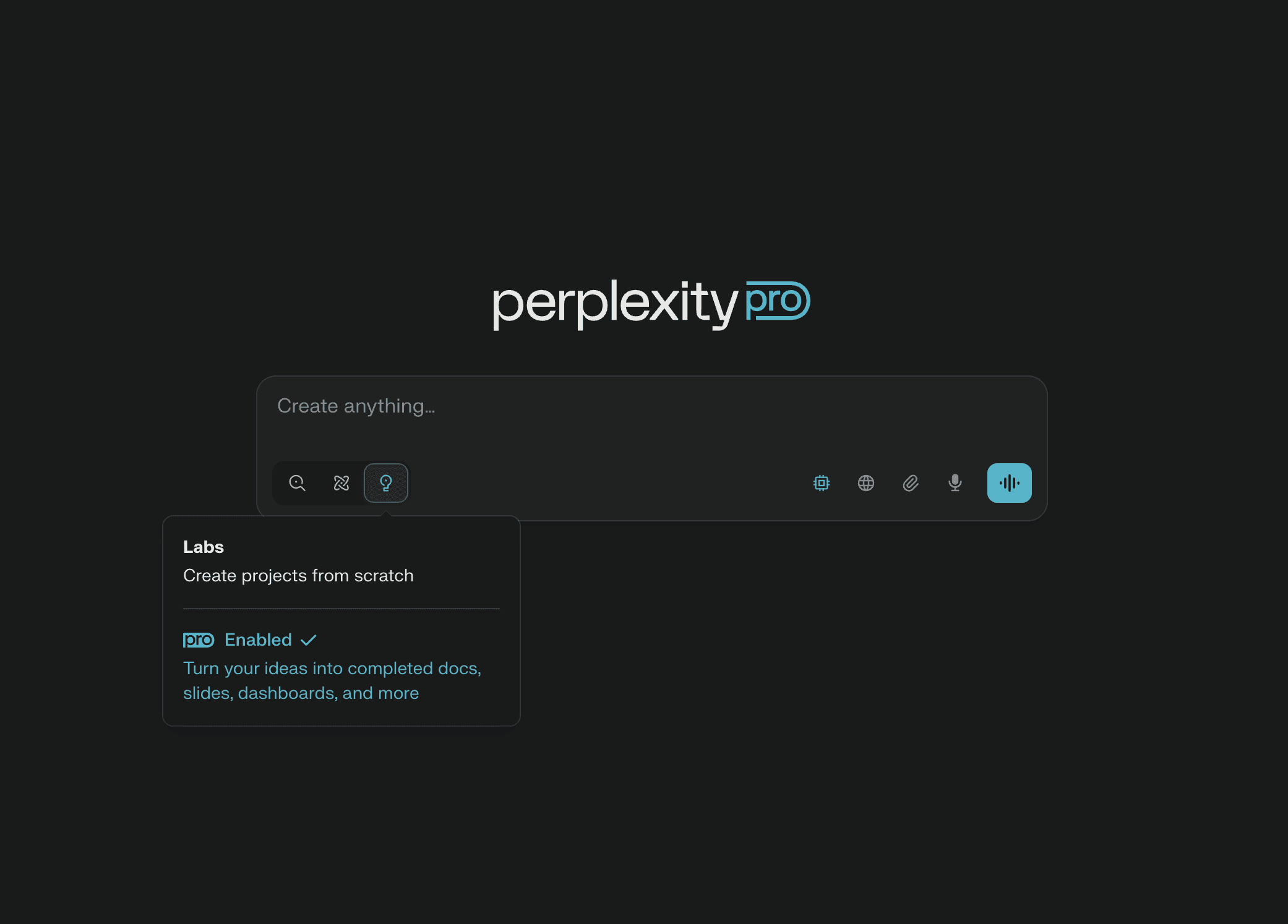
New beat, tight deadline, no contacts. This is where Perplexity earns its place. Ask about a regulatory change or a public figure's background and it returns a synthesised answer with inline links to where it got the information. You start with receipts instead of ten open tabs.
The Pro plan opens up stronger underlying models and more searches. Use it to build source lists and check claims before an interview. Just remember the catch: citing a source isn't the same as summarising it correctly. Click through. Every time.
When the Documents Are the Story: NotebookLM and Pinpoint
NotebookLM is the quietest tool on this list and possibly the most trustworthy. It answers only from material you upload, which sharply reduces the risk of invented facts, and every answer points back to your files. Recent updates added video overviews, image text recognition, CSV support and saved chat history. Its Audio Overview, which turns your sources into a podcast style conversation, is still unusual. The base version is free, with paid tiers inside Google's AI plans.
Pinpoint, part of Google's Journalist Studio, is the heavier machine. It handles up to 200,000 files per collection, transcribes audio, reads handwriting and flags people, organisations and places across the pile. Court records, leaked files, records request dumps: this is what it's for. It's free, and it writes nothing for you, which many investigative reporters will see as a selling point. Pair the two and you have a serious document pipeline.
When You Need to Think, Not Search: Claude
Claude's appeal is reasoning rather than retrieval. Its 200,000 token context window holds a full report, a long transcript or a dense piece of legislation in one go, so it can work through the whole argument rather than fragments. Projects let you keep persistent workspaces around a story or beat, and its research mode pulls together multi source reports. Pro is $20 a month, with a Max tier from $100 for heavy use. It suits feature writers wrestling with complicated subjects more than reporters who just need a quick fact.
When You Need the Long Background: ChatGPT Deep Research
OpenAI's Deep Research mode doesn't do quick answers. It runs extended, multi step investigations across many web sources and returns long, footnoted reports. That makes it a good fit for explainers and pillar posts. Plus covers most writers, but heavy users can hit limits and may need the $200 Pro tier. For a single fact check, Perplexity is usually quicker.
After the Interview: Otter.ai and Descript
Transcription is the unglamorous tax on every interview, and Otter.ai is the cheap, dependable way to pay it. It identifies speakers, generates summaries and works well on a phone. Accuracy is strong on clean audio and drops in noisy cafes or on the street, so record somewhere quiet when you can.
Descript goes further for anyone making audio or video. Delete a sentence from the transcript and it disappears from the recording. Studio Sound cleans up rough audio, and filler word removal trims the ums. Text only reporters can skip it. Podcasters and video journalists probably shouldn't.
When the Claim Rests on a Study: Elicit and Consensus
Elicit was built for academics, and it shows. It searches papers, extracts findings and synthesises results across studies, favouring careful curation over a flood of references. Health, science and policy writers can shrink a literature review from days to hours.
Consensus asks a narrower question: what does the weight of evidence say? Put a contested claim to it and it summarises what peer reviewed research supports, with citations. Treat it as a verification step before a claim reaches your copy, not as a substitute for reading the papers.
Before You File: Grammarly
Grammarly is the least exciting entry and maybe the most used. It catches grammar slips, flags unclear sentences and nudges tone. For bloggers without an editor, it fills a real gap. It won't replace judgement, but a typo in a headline can become its own story, and this is cheap insurance.
The Rule That Applies to All Ten
None of these tools is a source. They point you toward sources, sometimes brilliantly, sometimes wrongly. The writers who get the most from them treat every output as a lead to confirm, not a fact to paste.
Got a favourite site you couldn't work without? Add it to our vote for the world's most useful websites.
Which tool should a freelancer on a budget start with?
NotebookLM and Pinpoint are free, and Otter.ai's entry plan is inexpensive. That trio covers documents, investigations and interviews before you spend on a $20 assistant.
Can AI research tools be trusted for fact checking?
Only as a first pass. Even tools that cite sources can misread them, so always check the original document before publishing.